

Vibe coding – what’s the fuss all about? I’ve just wrapped up a personal vibe coding project and I’m sharing my experience here.
Some context
I’ve been using Lovable as my go-to vibe coding app for about six months and it’s a lot of fun. So far, I’ve rebuilt many of my models that previously lived in Excel and I turned various SOPs into actionable apps.
As the marketing would want to make you believe, instead of starting in the tool and chatting yourself to a working app, I’ve confirmed that to get something good out of it and within a reasonable budget, the established approach of project planning, prioritisation and clear objectives ahead of coding remains the best advice. No surprise here.
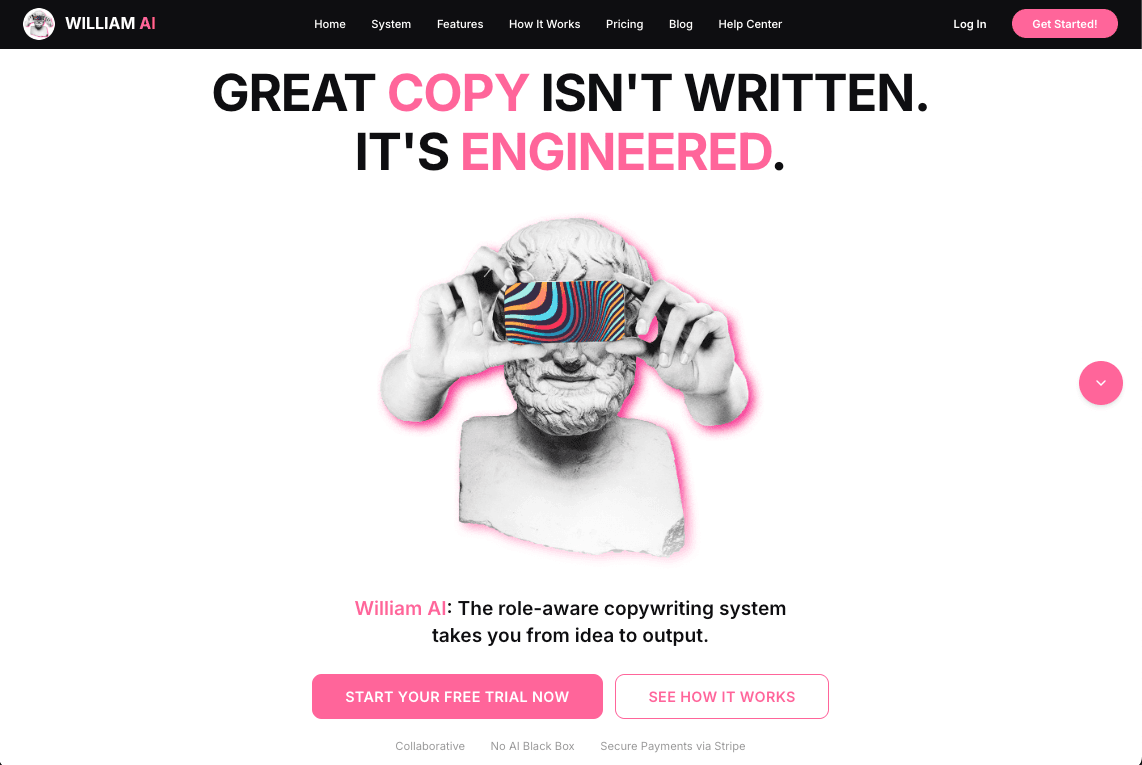
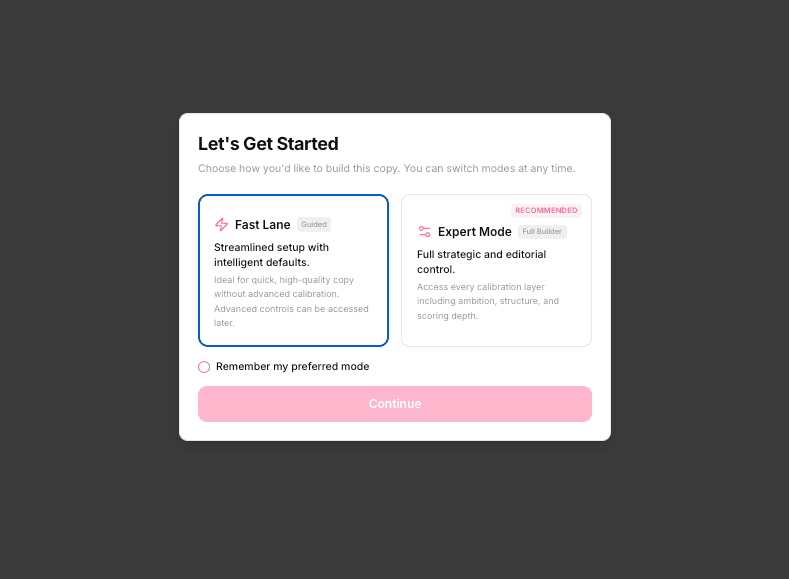
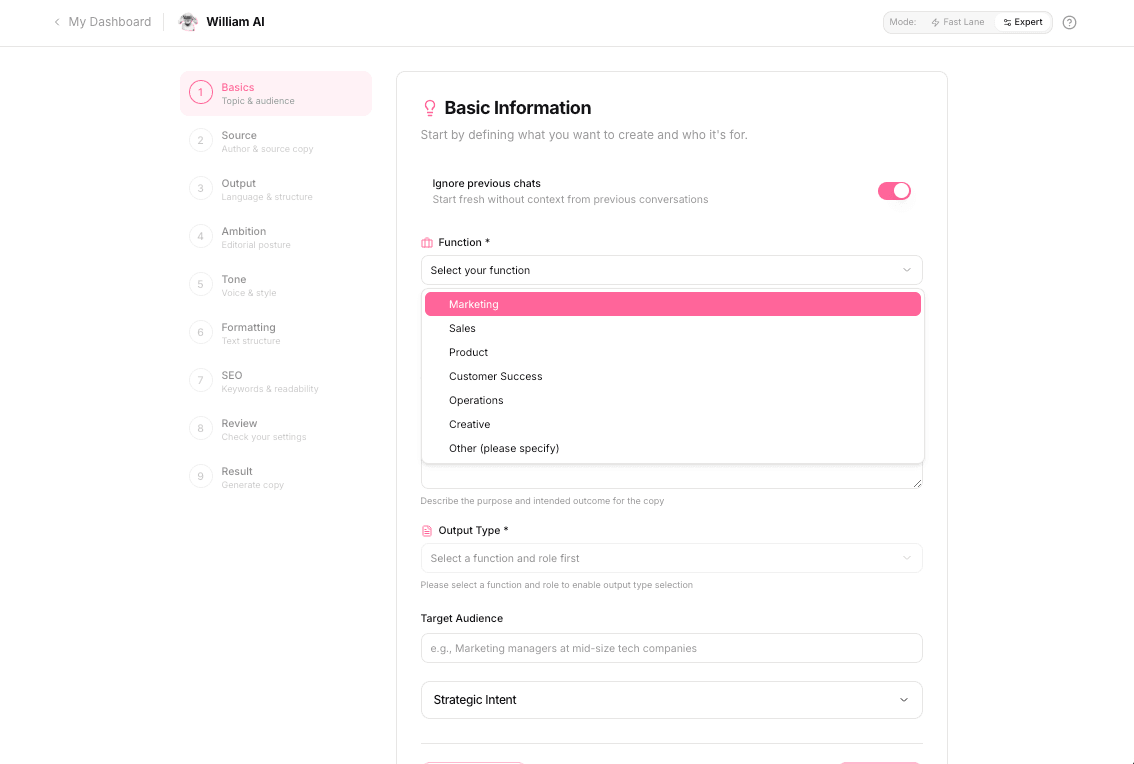
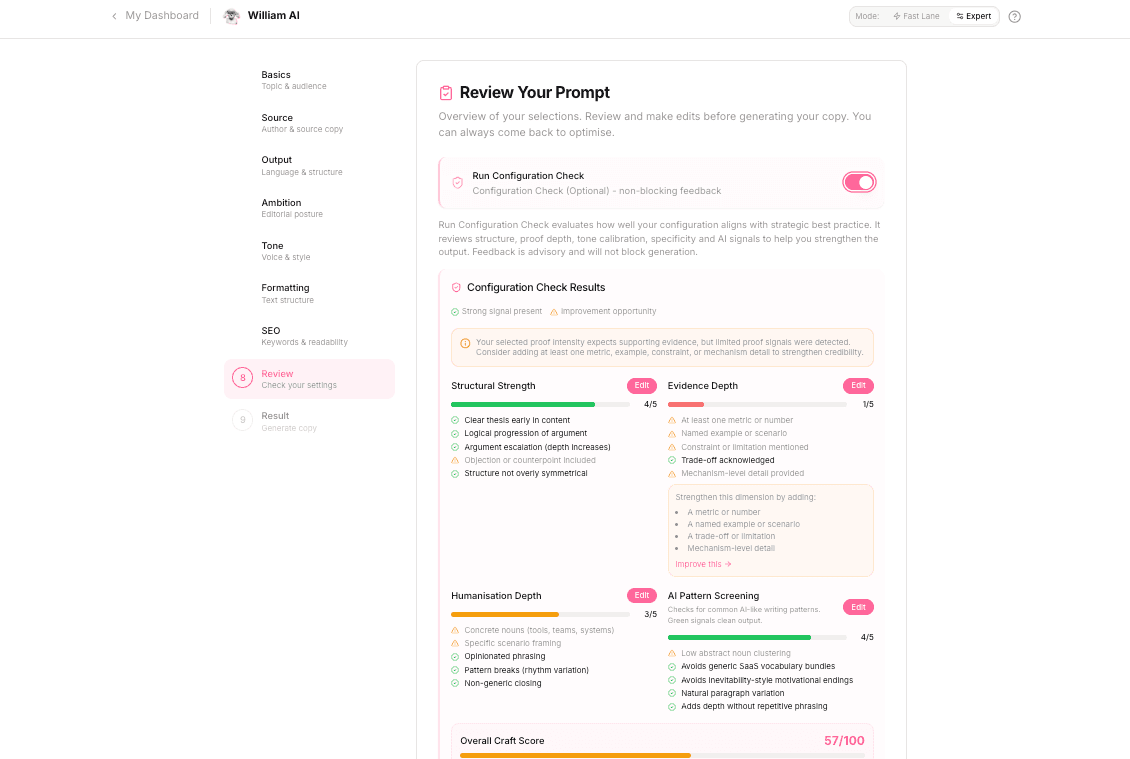
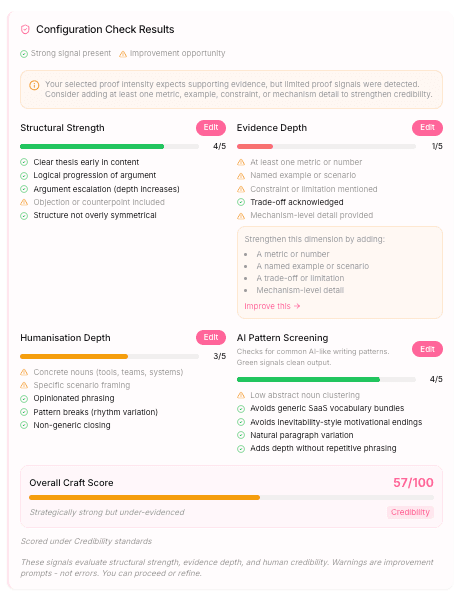
My latest project is William AI, a role-based copywriting app for revenue teams, aims to tackle the complexities of effective copywriting within a SaaS context to drive lead gen, pipeline acceleration and thought leadership. It’s doing this by enabling anyone to generate conversion-hitting copy that sounds the way you want it to. It removes both guesswork and the AI blackbox. William AI applies established frameworks and process flows trained to the challenges and jobs-to-be-done of your ICPs and personas within a buying committee.
How this project came about
William AI is based on content models and processes I’ve built and applied over the years where they lived in Excel, Airtable and Notion. I wanted to bring these into AI as a copywriting assistant on steroids.
And as it happened, I needed a geeky side project as balance over the festive Xmas season … don’t we all?! 🙂
I kicked off my solo vibe coding project by building an MVP in Excel, mocked up a homepage and an app wire-frame in Adobe Illustrator. In hindsight, Figma may have been the logical, better choice.
I kicked off my solo vibe coding project by building an MVP in Excel, mocked up a homepage and an app wire-frame in Adobe Illustrator.
Cornel Lazar
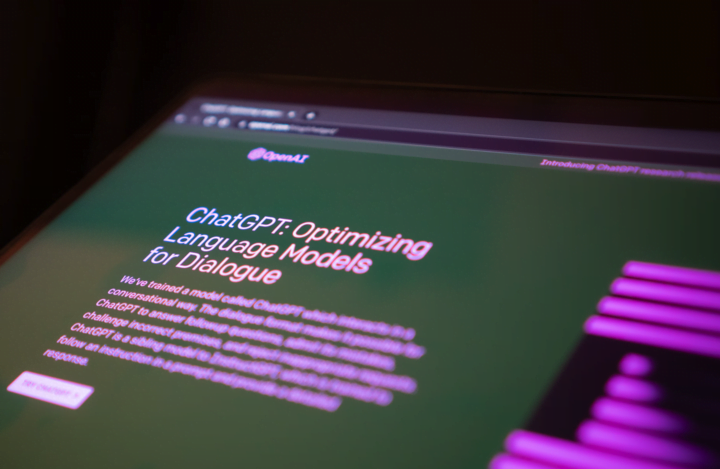
Crucially, doing this on my own with little-to-no coding skills, I created my own custom GPT back- and front end developer in ChatGPT as a ‘virtual project buddy’.
My project stats: time, tools, cost
If you’ve never vibe-coded, you might be wondering about costs. I won’t be getting into Lovable pricing details but focus on what worked for me. Lovable requires usage credits – basically, the more you ask it to do, the more credits you burn. Credit usage also depends on the ask.
I’m on the Pro plan subscription with 200 credits at £44 per month. If you run out of credits, the cheapest top-up bundle currently costs £15 for 50 credits. I didn’t need topping-up credits on previous app builds, but William AI is a little more complex and required two top-ups.
It should now become pretty obvious why project planning ahead and having your dev chats in a separate LLMs make a lot of sense – financially, but also what the quality of the output is concerned.
Time
Let’s break this down: Over two months, Lovable tells me I spend 31 days on the project. Those aren’t full working days! As it’s my side-project without deadline, I tend to dedicate a couple of hours in the evenings and a little more on weekends (cautious warning: it’s addictive 🙂).
Tools
Having your custom GPT outside of Lovable creates a ‘project buddy’ and will save you from burning credits in Lovable. Sure, you pay for ChatGPT but it will come cheaper over the duration of the project – and it will produce better results without a shadow of a doubt.
Other tools used on the project are all free and will remain free unless I plan to scale, in which case you’re entering different realities that are outside the scope of this post.
Cost
So far, I’ve spent £168, all in, to get my app into its current shape and stage. I made a total of 322 edits in Lovable over the project’s period of two months. Which means, I’ve been billed the monthly Pro Plan subscriptions twice and I also required two top-ups.
The only other paid item on this project was a ChatGPT subscription. I’m on the Business Plan currently £25 per month. Like most of us, ChatGPT has become part of my day-to-day tools outside the project, so I don’t see it much of project costs, but let’s add it here for full transparency.
Of course, use your favourite LMMs – I’m generally a huge proponent of Claude.
Talk of favourite tools, let’s look at the suite of tools and their roles used for the project.
Total project costs
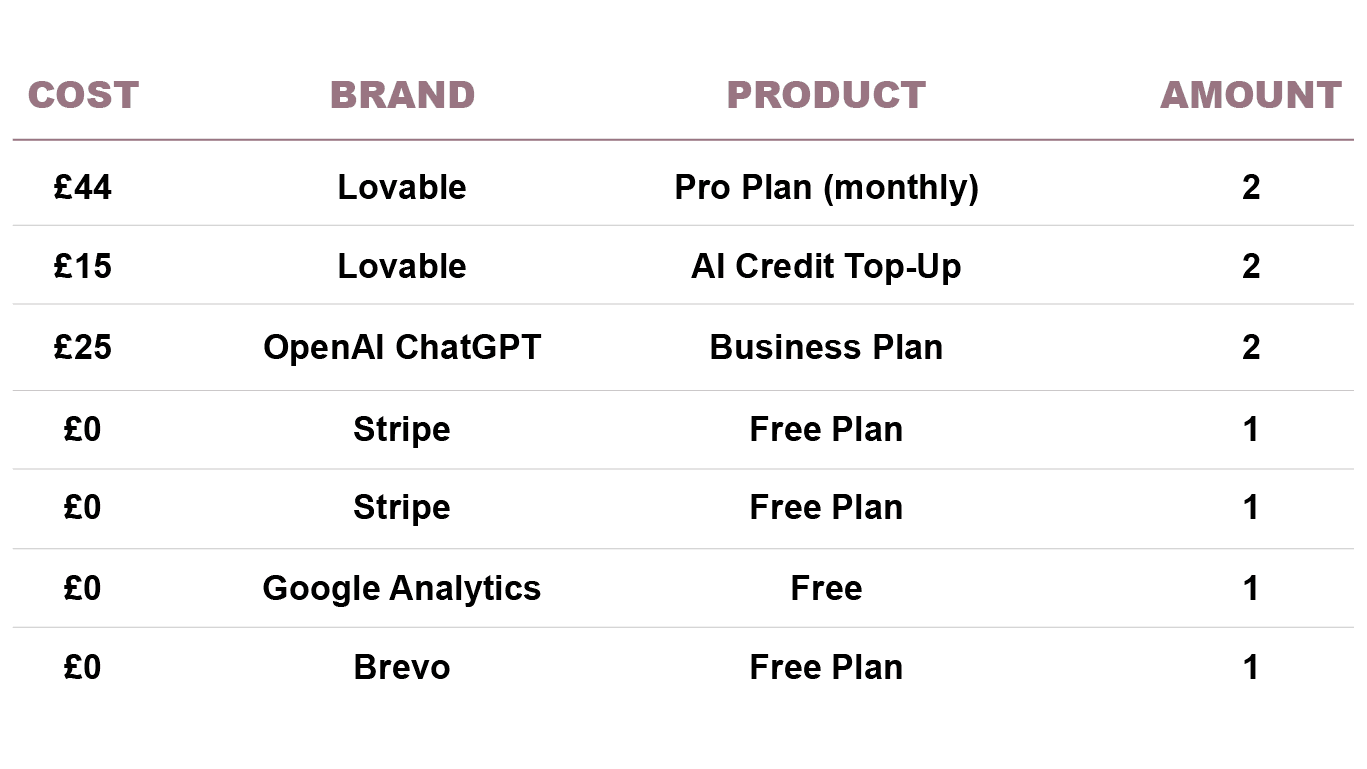
Suite of applications used in this project
Keep it lean! Operate from first principles and keep reminding yourself why and what you’re doing, and be tough on your priorities. Avoid stuffing too many tools and ideas into it. It’s very tempting.
Remember that pesky tech startup founder you worked for? The one wanting global domination and expected your team to do it all and now?
Yeah, exactly – where are they now? Don’t be them! It’s your project and you’re the project owner. Stay focused.
The suite of tools should support your immediate objectives. It’s quite unlikely you’re building a platform that will scale hugely within Lovable. Aim at your immediate North Star.
Let’s dive into the tools.
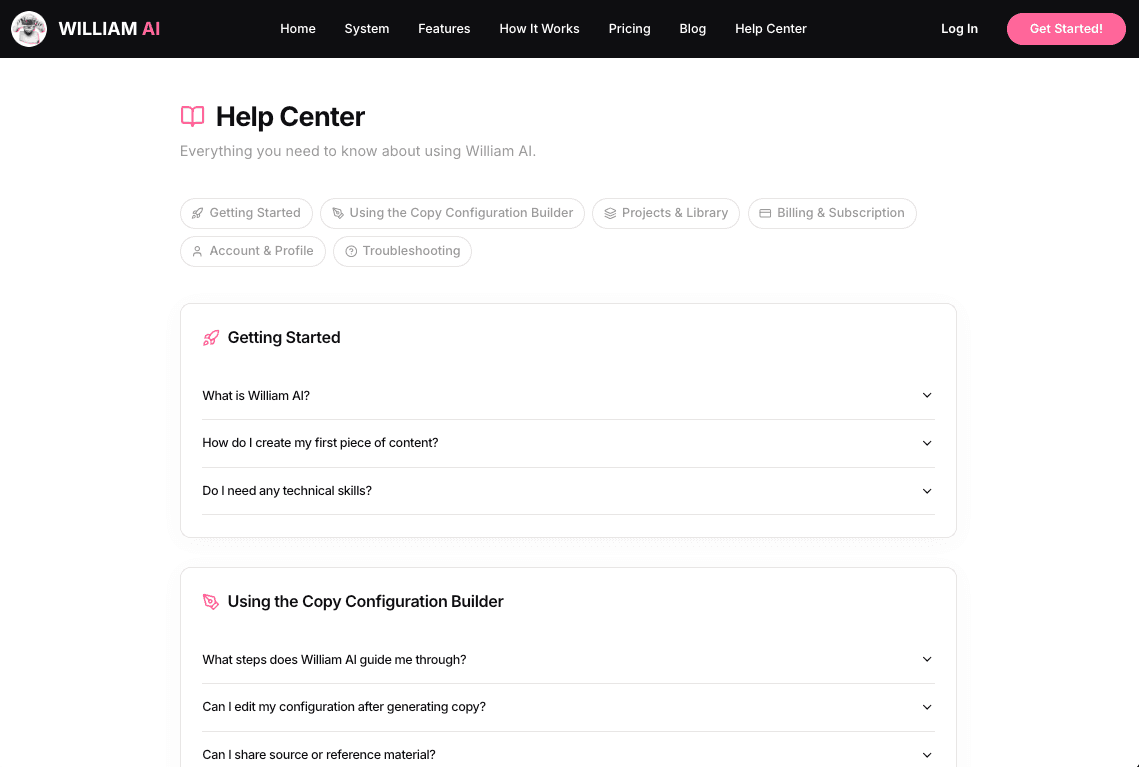
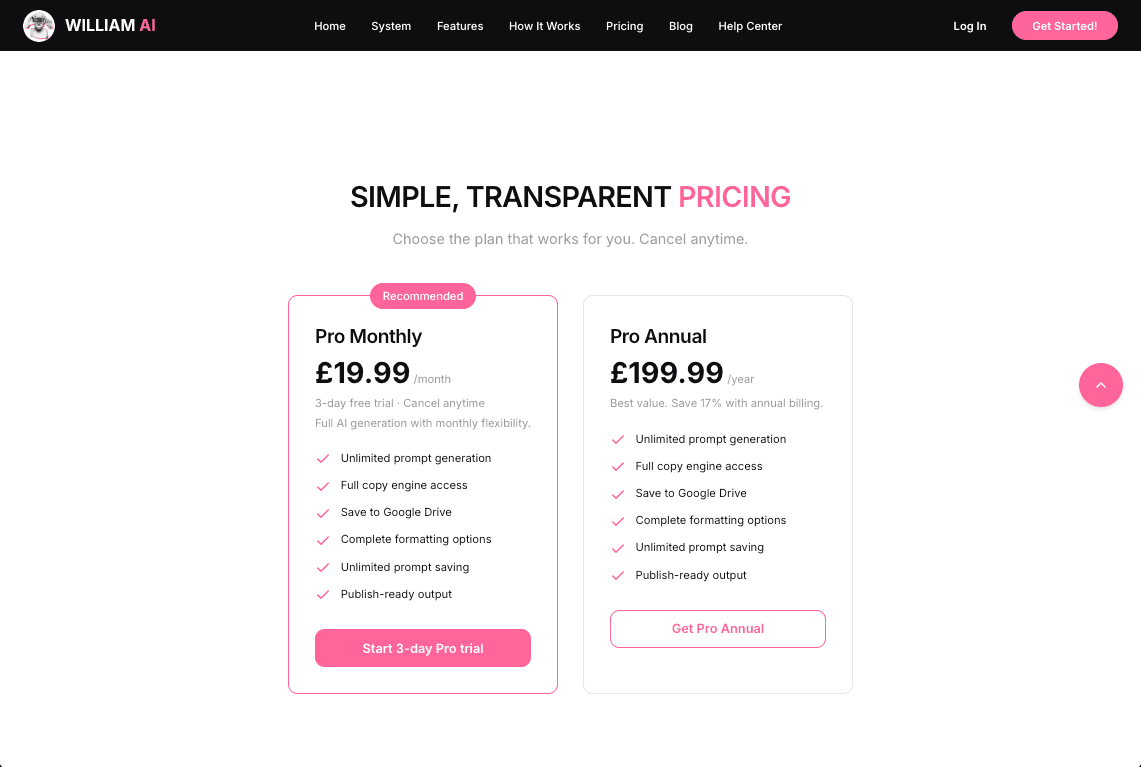
85% of what I needed was possible to build within Lovable. From the outset, I wanted my project to be public-facing and learn from early usage. Have monthly and annual subscription plans with a limited trial period and have a secure and flexible payment platform.
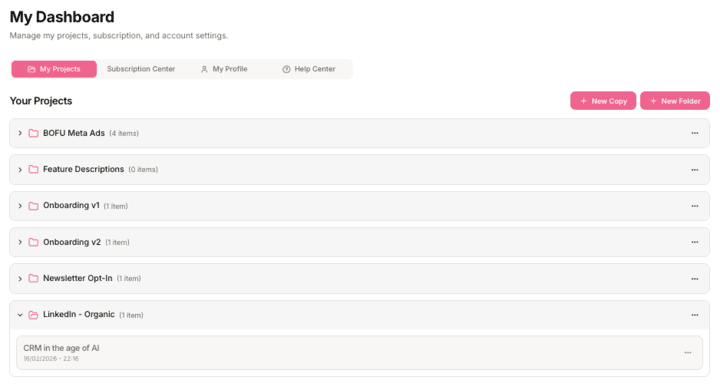
Overview of deployed applications
- Lovable: Full-stack app builder using natural language prompts.
- OpenAI ChatGPT: Custom GPT as virtual project buddy.
- Stripe: Secure payment platform for managing subscription tiers, discount codes.
- Google Gemini: William AI’s LLM is currently Gemini. Lovable uses it out of the box. No extra costs. I’m planning on integrating Claude and ChatGPT.
- PostHog: In-app analytics tracking customer events for learning and optimising from analysing actual user behaviours.
- Google Analytics: Acquisition analytics. I didn’t set up in-app events here but use PostHog.
- Ionos: For web hosting and sub-domain.
- Brevo: Automated lifecycle comms.
ChatGPT
⋅ Use case: Ideation, evaluation and tasking
I previously mentioned my custom ChatGPT. I use it for discussing, evaluating and shaping approaches, then tasking the GPT to write clear, professional and precise instructions to task Lovable.
I trained it on my idea’s outline and logic. I uploaded my MVP as an xlsx file, along with the design mockups and brand guidelines to ensure consistency across look and feel, such as fonts, colours and all frontend CSS styles on mobile, desktop and tablet. Of course, it doesn’t have to be ChatGPT – use your preferred LLM instead.
I highly recommend doing this. It does require some effort training the GPT upfront but I calculated that I’d have likely doubled the project costs had I done all this in Lovable instead of taking it to an external LLMs. Don’t skip it!
Stripe
⋅ Use case: Secure checkout & payment
Unless you plan on keeping your app private or free, you may skip this part. If you’re planning on monetising, Stripe for secure checkout and payment handling is a no-brainer. The feature and subscriber allowance in the basic free tier is plenty for early validation and PMF stages.
I’ve used Stripe on previous commercial projects and have experience setting it up – it’s not difficult at all but if it’s a first, take time to understand how it works. Don’t overthink your best pricing strategy, that’ll part of your growth optimisations – instead focus on getting the basic setup right from the get go.
PostHog
⋅ Use case: Growth / in-app analytics
Moving on to in-app event tracking and analytics. I’m using PostHog. It’s free and does everything needed for an early validation stage. The look is a bit retro, but fairly straightforward to use.
I’m used to Amplitude, Heap, Mixpanel, etc, but they come in at a cost and frankly would be overkill at this point.
I focus on a set of events that provide valuable user behavioural insights. Events are implemented through Lovable, fired in the app and surface in my PostHog reports. All good – next!
Ionos
⋅ Use case: Domain & web hosting
Ionos is hosting my app’s blog and domain – another step that may not apply to you if you’re building internal apps. As default, Lovable app can be accessed via “project_name.lovable.app”. For William AI, I wanted a dedicated, cleaner looking URL. To save costs and time, I’m currently utilising a sub-domain of my existing domain: https://william-ai.cornellazar.com
My hosting and domain are both with Ionos (previously 1&1) and my plan comes with the ability to create free sub-domains.
Some self-reflection: I earlier mentioned first principles, and here’s a classic case of eating humble pie.
I wanted to include a small blog with a backend access. I falsely convinced myself requiring CMS flexibility and so I embarked on a time wasting detour creating a look-a-like blog on WordPress / Elementor and cross-linked with the Lovable app. It wasn’t worth it.
I’ve now build the blog in Lovable. Couldn’t have been easier and took me 3 hours where the previous detour took 2 afternoons. Note to self: Stick to first-principles!
Brevo
⋅ Use case: Automated lifecycle comms
Brevo for automated lifecycle comms: This is tbc. I’ve currently not set it up. But I’ve used Brevo for lifecycle automation previously – they used to be called SendInBlue. It’s not the most elegant of tool but its free tier offers the features I need and it’s fairly easy to setup and integrate. I’ll be using it for automated and behaviour-triggered onboarding and retention comms. Stripe handles transactional comms.
Pro & cons of vibe coding
So, is this vibe coding thing sound? Yes, it is!
My takeaway, vibe coding is great for quickly shipping ideas, for validation or smaller projects you may use yourself or within a team / organisation to speed up tasks, processes, etc.
Beyond that, and noting my non-existing development / engineering skills, I have a healthy distrust in the code quality and would prefer a skilled human to take control of the code when scaling an idea. But for what it is and offers, it’s gold.
I have worked on startup ideas where things go wrong but the biggest holdback or cost centre was app development – unless your founder is a developer, of course (and then other depths open up). Ever since starting to vibe code, I have thought a lot about the many early stage startup ideas that went nowhere.
Or those big-bet projects that required dev time and budget. These ideas never got the chance of a lift-off. For all those missed opportunities and more, vibe coding can offer a solution.
If you haven’t already started, get toying with vibe coding!
I would go as far as to argue, that vibe coding will become part of an expected basic skill set, such as MS Office is a non-negotiable no matter what job you’re doing.
Bottom line: Get building! It’s fun. But prepare before starting to code as you usually would.
→ Check out William AI for a free test drive.